Best AI Task Automation Tools for Natural Language Commands (2026)
Your team already uses WhatsApp for work, so adding another dashboard-heavy tool feels like friction. You need a task automation tool that understands plain language and fits where your messages already live.
By the end of this article, you will know which specific natural language command tools handle messy phrasing best, which ones connect to your current workflow, and which single option earns the top spot for 2026. We also break down pricing and free trial details so you can test before committing.
What to Look For in AI Task Automation Tools
When evaluating AI task automation tools, focus on three core pillars: natural language understanding, integration depth, and scalability. These factors determine whether the tool will feel like a helpful assistant or just another software subscription.
Natural language processing accuracy is the foundation. If the tool cannot interpret your commands correctly, every other feature becomes irrelevant. Integration depth matters just as much, since a tool that works with your existing email, calendar, and project management apps will save far more time than one that operates in isolation.
Scalability ensures the tool grows with your needs. A solution that handles five tasks per day should also handle fifty without breaking down. Ease of use ties everything together, because even the most powerful automation is useless if the team refuses to adopt it.
Natural Language Processing Accuracy
For AI task automation, the accuracy of intent recognition and entity extraction determines whether a simple command like 'remind me to email the client at 3 PM' works flawlessly. These are core NLP capabilities that separate polished tools from frustrating ones.
Intent recognition identifies what action the user wants, while entity extraction pulls out the specific details like names, dates, and times. Slot filling then fills in the missing pieces of the command. When all three work together, complex instructions become executable actions.
Common pitfalls include misinterpreting ambiguous language. For example, "book a meeting next Tuesday" could mean this coming Tuesday or the following week. Tools that struggle with context often default to the wrong interpretation, forcing users to repeat themselves.
To test a tool's NLP capabilities, run a varied set of commands that include different phrasings, synonyms, and sentence structures. Try the same request with different wording to see if the tool handles both casual and formal language. Tools built on advanced LLMs like GPT-4, Claude, or Gemini tend to handle these variations more gracefully than older rule-based systems.
Integration with Existing Workflows
The best AI task automation tools seamlessly plug into your existing tech stack-think Slack, Google Calendar, or your CRM-without requiring a complete overhaul. This integration capability is what transforms a novelty tool into a daily workhorse.
APIs and no-code/low-code platforms make these connections possible. Tools like Zapier AI, Make.com scenarios, and n8n workflows can act as bridges between your AI assistant and the applications your team already uses. This means you can automate across systems without writing custom code.
Consider how integration reduces manual work in practice. An email that mentions a project deadline could automatically create a task in your project management tool. A Slack message asking for a status update could trigger a data pull from your CRM and post a formatted response. These complicated processes represent the real payoff of AI orchestration.
When evaluating integration depth, check whether the tool offers native connectors for your most-used applications or relies on third-party bridges. Also consider whether the tool handles action triggers from multiple sources, such as email automation, calendar scheduling AI, and voice commands. The more entry points, the more flexible your automation becomes.
1. Tasks.Bot - Best Overall
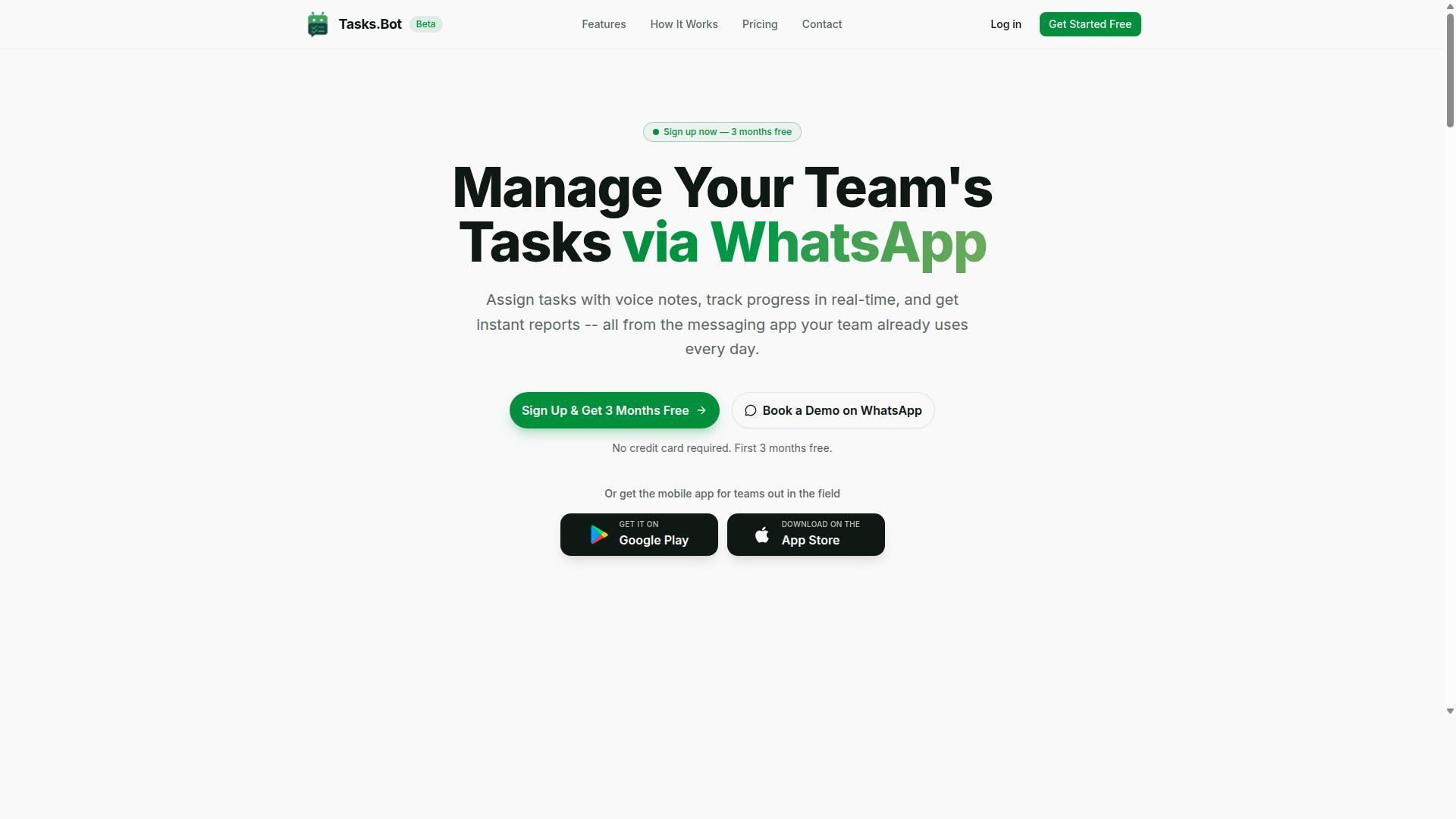
Tasks.Bot stands out as the best overall AI task automation tool because it brings task management directly into WhatsApp, where many teams already communicate. Instead of forcing your team to learn a complicated project management platform, this tool works inside a familiar chat interface. The AI interprets natural language commands and turns them into structured tasks without extra steps.
The service combines AI task automation with native WhatsApp integration, so there is no new software to install and no new login to remember. Team members simply send a message and the system handles the rest. This approach removes the friction that usually comes with adopting workflow automation tools.
For teams that rely on quick communication, this is a practical alternative to complex NLP tools and low-code platforms. The tool handles task delegation, scheduling, and reporting from one chat thread. Below, we break down how the WhatsApp-native experience works and what the pricing looks like.
WhatsApp-Native AI Task Creation
With Tasks.Bot, you can create tasks by simply sending a WhatsApp message or voice note, and its AI interprets the intent and assigns it automatically. This is prompt-to-action functionality in its most natural form. There is no need to open a dashboard, fill out forms, or navigate menus.
The AI understands natural language commands and handles the heavy lifting of task creation. Key features include:
- Voice note task creation, so you can speak tasks while on the move
- Automatic task assignment based on your message content
- Smart deadline reminders that keep work on track
- Approvals and automations for routine workflows
- Instant reports and a live day tracker for oversight
Because it works through WhatsApp, team members do not need to install new apps or create accounts. The tool also offers Android and iOS apps with push notifications, voice capture, and a home screen widget for quick access. For teams already living in WhatsApp, this removes the adoption barrier entirely.
The AI uses intent recognition and entity extraction to understand who should do what and by when. This makes task delegation feel like a normal conversation rather than a data entry exercise.
Pricing and Free Trial
Tasks.Bot offers a simple 'Full Access' plan at 200 per member per month (or $ equivalent), with an annual option that brings the cost down to 1,200 per year per member. The annual plan saves 50%, which works out to 1,200 per year per member in savings. Pricing is available in Indian Rupees and US Dollars, so you can select the currency that suits your team.
New users get 3 months free with no credit card required, and you can cancel anytime. This makes it easy to test the tool without commitment. The service is currently in beta, and a demo is available directly through WhatsApp.
For teams comparing AI orchestration tools, this pricing is straightforward and predictable. There are no tiered feature locks or hidden add-ons. The Full Access plan includes all features, from voice capture to face-verified attendance and shift management.
If you want to see how it works before committing, booking a demo is the best route. The beta status means the team is actively refining the AI, but the core functionality is already solid for daily task management.
2. Reminderly.ai
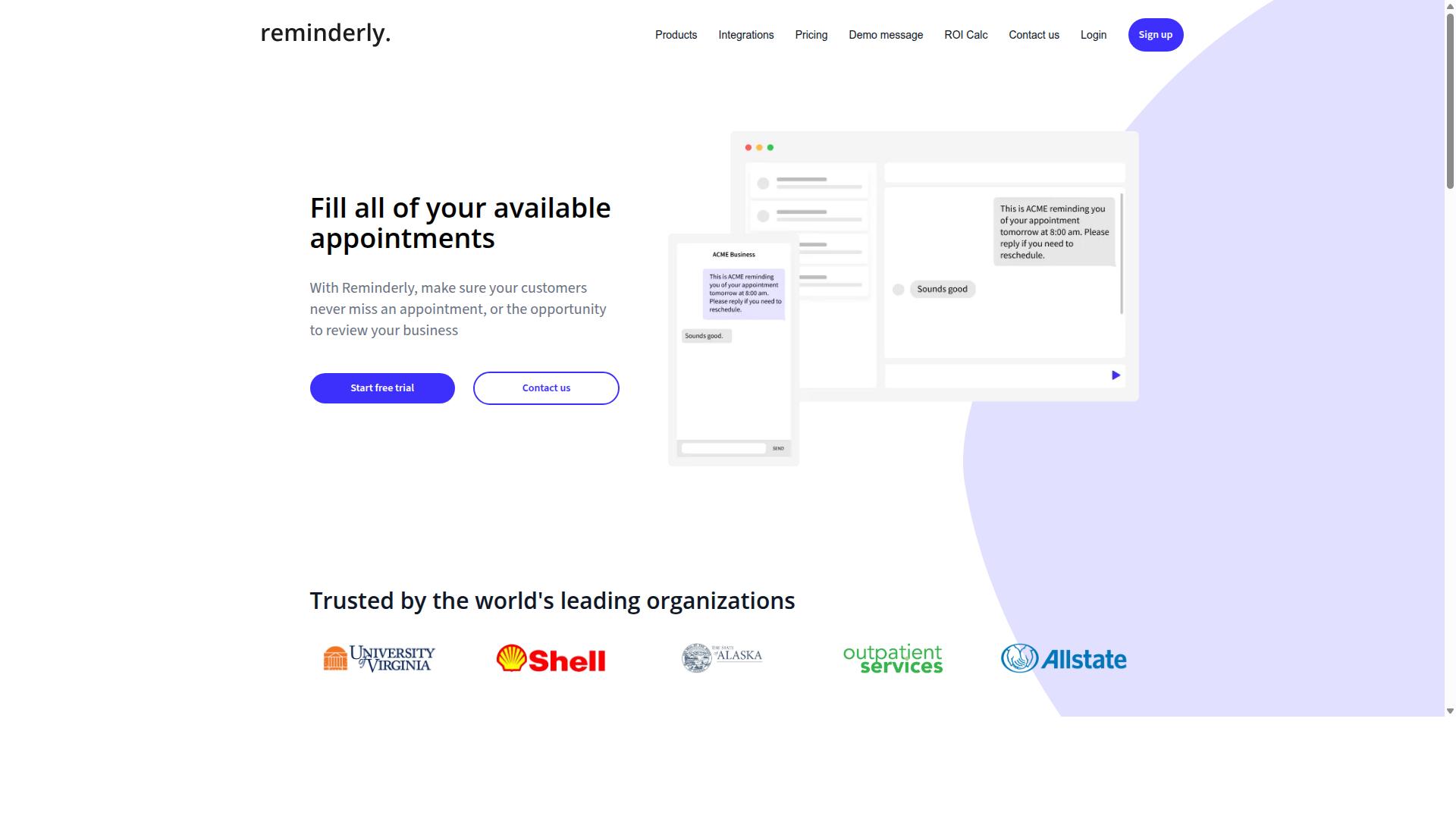
Reminderly.ai focuses on turning natural language inputs into timely reminders and scheduled actions across email and calendar platforms. It is designed for people who want to say or type a request in plain English and have the system interpret the intent without manual setup. The tool aims to reduce the friction between thinking of a task and actually scheduling it.
The core experience revolves around quick capture and fast acknowledgment. Users can type phrases like "remind me to send the invoice Tuesday at 9 AM" and the system parses the date, time, and action. This makes it a solid option for individuals who manage many small commitments throughout the day.
Its strengths include ease of use and speed of execution. The interface is typically minimal, which lowers the learning curve for non-technical users. For simple scheduling needs, it can feel more direct than configuring a full workflow automation platform.
However, potential limitations exist for users with complex needs. The tool is generally less robust when handling complicated processes or conditional logic. It may struggle with tasks that require dependencies, branching decisions, or integration with several external systems at once.
For advanced users, this means a tool like this works best as a supplement rather than a central hub. It excels at prompt-to-action simplicity but may not replace dedicated workflow automation tools for intricate processes. Teams that need deep API orchestration or sophisticated AI task automation should evaluate whether the scheduling focus covers their full scope.
3. TaskRio
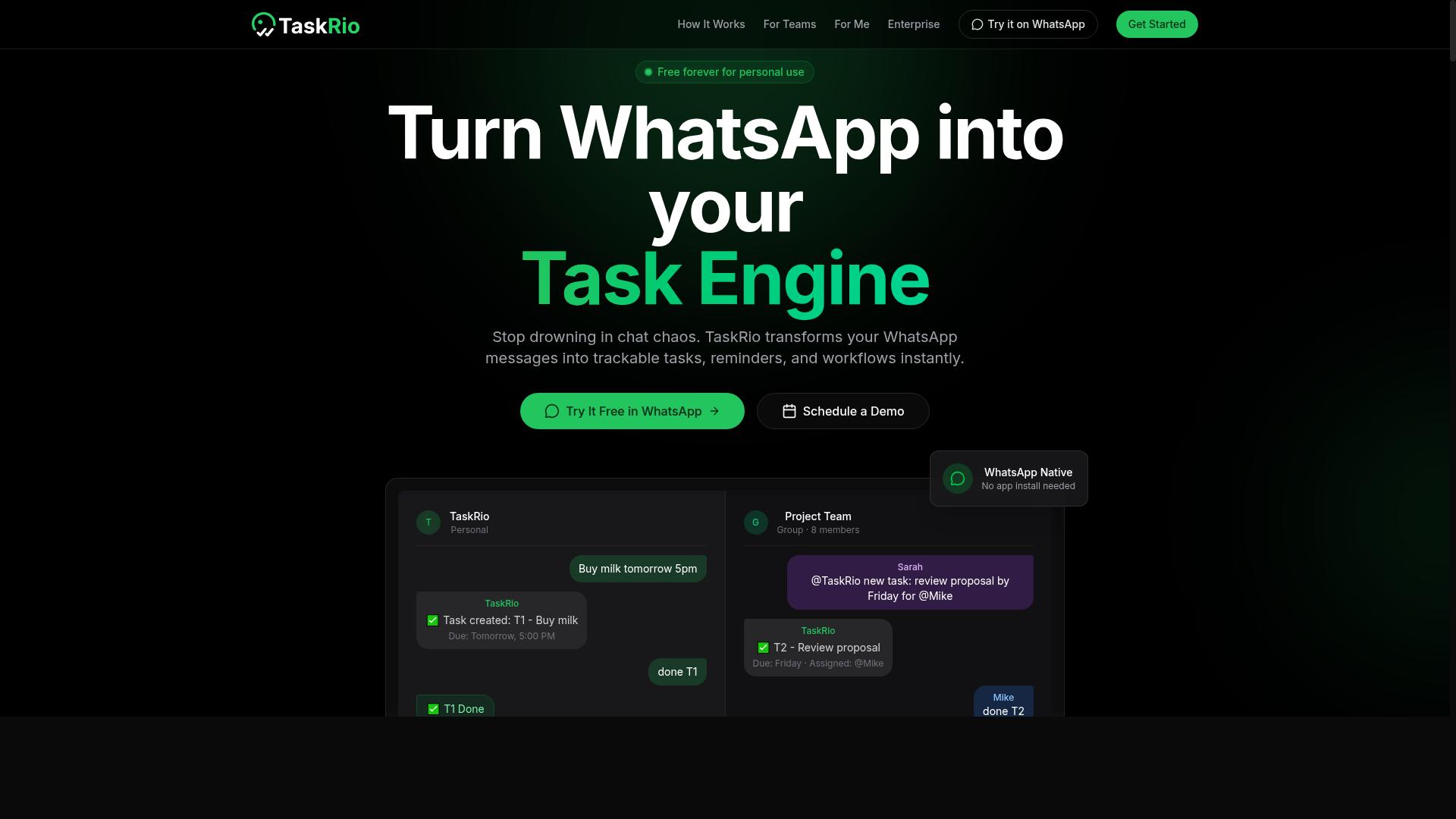
TaskRio positions itself as a no-code AI assistant that simplifies task delegation and workflow automation for small teams. The platform is designed to let users describe what they need in plain language and have the system translate those instructions into automated actions.
For teams that want AI task automation without a steep learning curve, TaskRio aims to fill that gap. The emphasis is on accessibility, meaning team members can likely start building automations shortly after signing up. This makes it a reasonable option for organizations that lack dedicated technical staff.
TaskRio's approach to natural language commands appears focused on reducing manual handoffs. Users can potentially ask the assistant to schedule meetings, update project boards, or send routine messages. The system handles the underlying task delegation and workflow automation steps in the background.
Integration possibilities likely include common team collaboration tools. Slack for communication, Trello for project tracking, and similar platforms are probable candidates. However, the exact list of supported services may vary and is best confirmed through the vendor's official documentation.
For small teams evaluating NLP tools, TaskRio represents a lightweight alternative to more complex enterprise platforms. Its value proposition centers on speed of setup and ease of use. Teams that need deep customization or advanced API orchestration may find the no-code approach limiting, but for straightforward automation needs, it could be a practical starting point.
4. Karo.bot
Karo.bot aims to bridge the gap between voice commands and actionable tasks, making it easy to delegate tasks on the go. Instead of typing out long instructions, users can speak naturally and let the system interpret the intent behind their words.
The platform focuses on quick task creation through voice commands, which suits people who think faster than they type. This approach relies on solid intent recognition and command parsing to turn spoken language into structured action items.
Because Karo.bot appears designed around conversational input, it likely pairs well with messaging platforms where teams already communicate. The idea is that task delegation should happen where the conversation happens, not in a separate tool that requires constant context switching.
For field teams and remote workers, this could be a practical fit. Someone standing on a job site or walking between meetings can capture a task instantly without pulling out a laptop or navigating multiple menus.
Karo.bot's value proposition centers on accessibility and speed. If your team lives in chat apps or frequently works away from a desk, voice-driven task creation may reduce friction significantly.
That said, the tool is still evolving, and its long-term usefulness will depend on how accurately it handles varied accents, speech patterns, and domain-specific vocabulary. Teams should test it with their own workflows before committing fully.
5. The Sarah AI
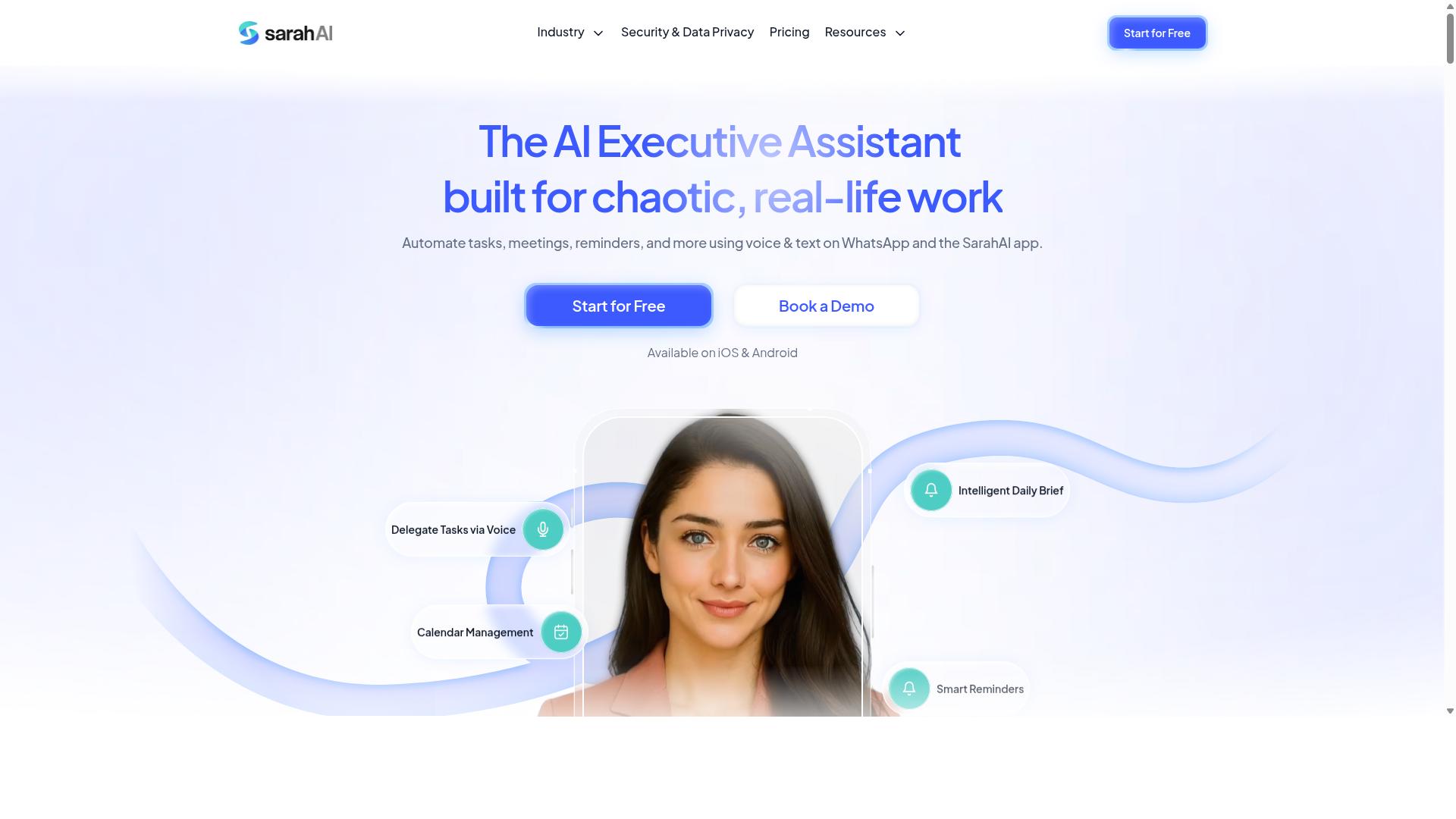
The Sarah AI leverages advanced LLMs like GPT-4 to understand context and execute multi-step tasks with minimal human intervention. It positions itself as an AI assistant built for complex task automation rather than simple single-action commands.
What sets it apart is its focus on multi-step workflow handling. Instead of asking for one action at a time, users can describe an entire process and let the system break it down into logical steps. This makes it a strong candidate for teams that need natural language understanding applied to real operational work.
The platform emphasizes API integrations, which allows it to connect with external services and trigger actions across different systems. This is particularly useful for organizations that rely on multiple tools and want a unified way to manage them through conversational input.
Potential use cases include:
- Automating data retrieval and report generation from multiple sources
- Coordinating calendar scheduling and email follow-ups in sequence
- Processing and categorizing incoming documents or messages
- Triggering approval chains based on natural language requests
Its approach to AI orchestration is worth considering if you need an assistant that goes beyond answering questions. The system appears designed for users who want to delegate complete processes, not just isolated actions. For those evaluating LLM agents in 2026, The Sarah AI represents the trend toward more autonomous, context-aware task execution.
That said, detailed documentation and real-world performance metrics are limited in publicly available sources. As with any newer AI tool, testing it against your specific workflows is the best way to gauge its true capability. The underlying promise, however, is clear: describe what you need done, and let the AI handle the rest.
6. Zoye AI
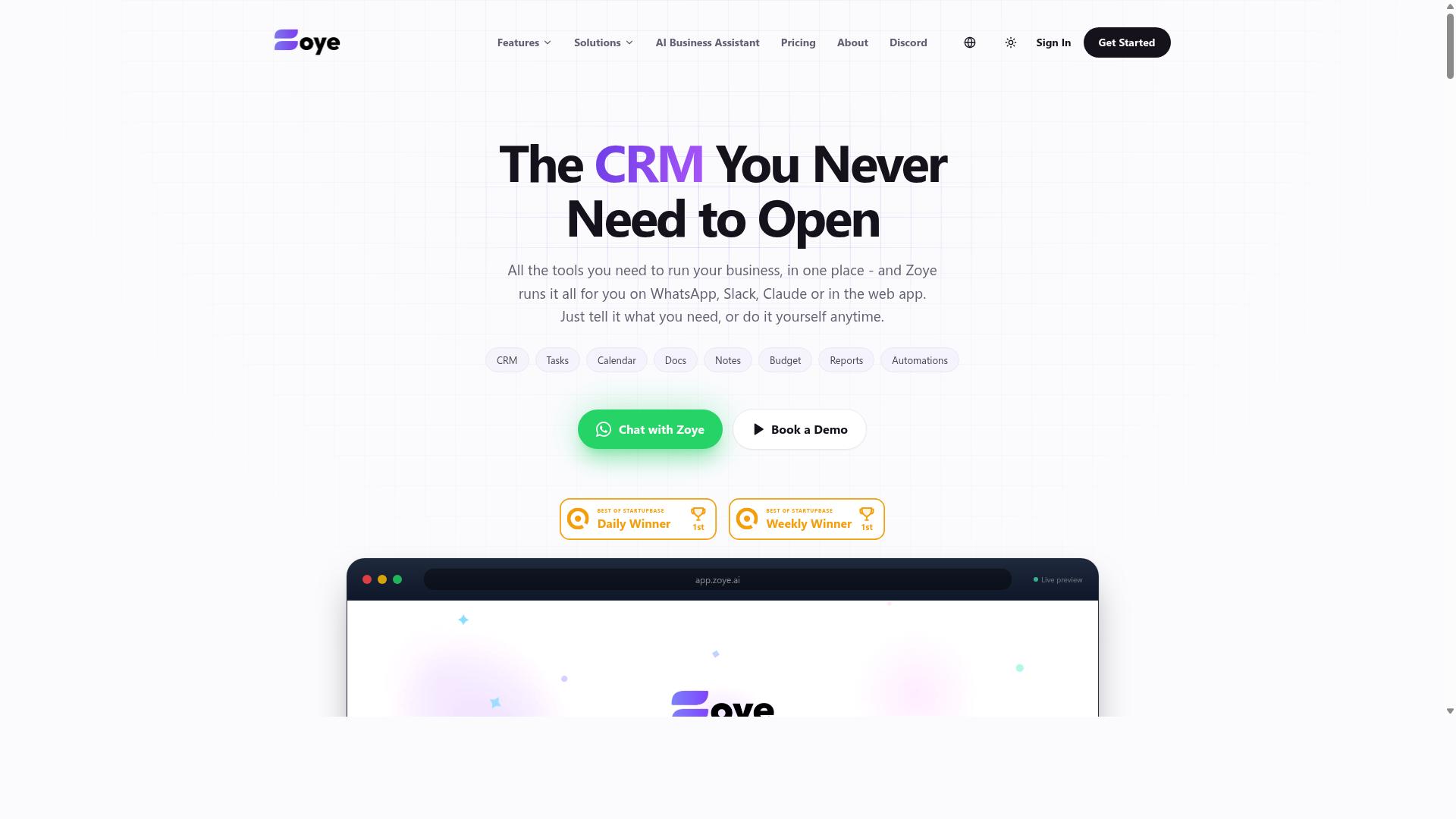
Zoye AI specializes in automating document-heavy workflows using NLP for data extraction and intelligent processing. The platform focuses on turning unstructured information from invoices, contracts, forms, and receipts into structured, usable data. This makes it a practical option for teams that spend hours manually copying details from one system to another.
For organizations dealing with high volumes of paperwork, Zoye AI can significantly reduce manual data entry. Instead of having staff rekey information, the tool reads documents and populates the relevant fields automatically. This approach helps minimize human error and frees employees to focus on higher-value work.
The core strength of Zoye AI lies in its ability to handle intelligent document processing at scale. It can identify key entities, extract relevant values, and route that data into downstream systems. Teams typically use it for accounts payable automation, client onboarding, and records management where accuracy is critical.
Businesses adopting this type of tool often see faster processing times and more consistent outputs compared to manual methods. Research suggests that automation in document handling can reduce operational costs over time by eliminating repetitive tasks. For companies that want to cut down on clerical work, Zoye AI is a solid candidate to evaluate alongside other NLP tools in this space.
How to Choose the Right Option
To choose the right AI task automation tool, start by identifying your team's primary communication channel and the complexity of your workflows. The best tool is the one your team will actually use daily, not the one with the longest feature list.
Consider your team size and technical expertise first. Small teams with non-technical staff need no-code AI tools with simple interfaces, while larger organizations may have developers who can manage more flexible platforms like n8n workflows or low-code platforms.
Your existing communication tools matter greatly. Teams already living in WhatsApp, Slack, or Microsoft Teams should prioritize tools that connect with those channels. Matching the tool to your team's habits reduces friction and increases adoption rates significantly.
Budget plays a role, but think beyond the monthly subscription. Factor in the time saved per employee and the cost of errors in manual task delegation. A tool that eliminates payroll mistakes or missed deadlines often pays for itself quickly.
Here is a simple decision framework to guide you:
- Identify your main communication hub. Is it WhatsApp, Slack, email, or something else?
- Assess workflow complexity. Do you need simple reminders or multi-step orchestration with API connections?
- Evaluate technical comfort. Can your team handle prompt-to-action setups, or do they need guided templates?
- Set a budget range. Compare monthly costs against the hours saved per week.
- Test before committing. Use free trials and demos to see how the tool handles your real tasks.
For teams that rely on WhatsApp for daily operations, Tasks.Bot stands out because it is built specifically around that channel. The service supports task management, attendance tracking, and payroll-ready hours, and the site notes that hundreds of teams already use it. That focus makes it ideal for organizations with field staff who may not sit at a desk.
Other tools in this category serve different needs. Some excel at email automation or calendar scheduling AI, while others specialize in intelligent document processing or text-to-SQL queries. Evaluate each option against your specific use cases, not against generic best-of lists.
Finally, consider how the tool handles natural language commands. Strong NLP tools with intent recognition and entity extraction will understand varied phrasing, while weaker ones may require rigid command structures. Test with your team's actual language patterns during the trial period to confirm the tool understands how your people speak.
Final Verdict
After evaluating the top AI task automation tools, Tasks.Bot emerges as the most accessible and practical choice for teams that live in WhatsApp. The comparison shows that most NLP tools and LLM agents require onboarding, training time, and a shift to a new dashboard. Tasks.Bot removes that friction entirely by operating within the messaging app your team already uses daily.
The key differentiator is simple: no new installs and no new accounts. Team members keep working in WhatsApp while the AI handles task creation, delegation, and tracking through natural language commands and voice notes. For field teams and remote staff, this means zero learning curve and immediate adoption.
Tasks.Bot also stands out with face-verified attendance and live GPS tracking for field staff. These features combine workforce verification with AI orchestration in one platform, something most no-code AI tools do not offer. Enterprise-grade encryption ensures conversations and task data are never shared or used for training, which addresses the security concerns that often block AI adoption.
The practical advantages are clear when you compare options:
- WhatsApp-native operation, no separate app or browser tab required
- AI voice notes convert spoken instructions into structured tasks
- Face-verified attendance and GPS tracking for remote workforce management
- Enterprise-grade encryption protecting all task data and conversations
- 3-month free trial with no credit card required
For teams evaluating prompt-to-action tools, workflow automation platforms, and email automation systems, the deciding factor is often adoption. The most powerful AI orchestration tool is useless if your team will not use it. Tasks.Bot solves that problem by meeting people where they already communicate.
If your organization relies on WhatsApp for daily coordination, Tasks.Bot is the strongest fit among the tools reviewed. The combination of natural language understanding, voice commands, attendance verification, and location tracking covers both task management and workforce oversight in a single system. Book a demo or contact the team to see how it fits your specific workflow.
Frequently Asked Questions
How is Tasks.Bot different from other AI task automation tools?
Unlike most tools that require a new dashboard or app, Tasks.Bot operates entirely within WhatsApp. This means your team can create tasks, track progress, and get reports without installing anything or creating new accounts, which is a major advantage if your team already lives in WhatsApp.
Can I create tasks using just my voice or natural language?
Yes. Tasks.Bot uses AI to understand natural language and voice notes, so you can simply speak or type a task like "remind Rahul to check the site tomorrow" and it will be parsed and assigned automatically. This makes task creation as fast as sending a message.
Does Tasks.Bot work for field teams who are not at a desk?
Absolutely. Tasks.Bot offers a mobile app for field teams and includes features like tasks on a map and face-verified attendance. It also tracks live day progress, making it well-suited for teams that need to manage remote or on-the-ground staff.
What kind of reporting and tracking does Tasks.Bot provide?
Tasks.Bot gives you instant reports within WhatsApp, plus smart deadline reminders and approvals and automations. It also tracks live day progress and can generate payroll-ready hours, which helps you close the loop from task assignment to attendance to billing.
Is Tasks.Bot affordable for a small team, and is it available outside India?
Tasks.Bot is a global SaaS product, so it works worldwide via WhatsApp and mobile apps. For pricing, it offers a 'Full Access' plan with all features, and the cost is listed per member per month or per year-you can check the site for current rates in either Indian Rupees or US Dollars.
What should I consider before choosing Tasks.Bot over a generic AI assistant?
If your core need is structured task management with assignment, deadlines, approvals, and attendance-rather than just general AI chat-Tasks.Bot is purpose-built for that workflow. It's currently in beta, so it's a good idea to book a demo on WhatsApp to see if its specific features match your team's daily routine before committing.
Recommended Resources: